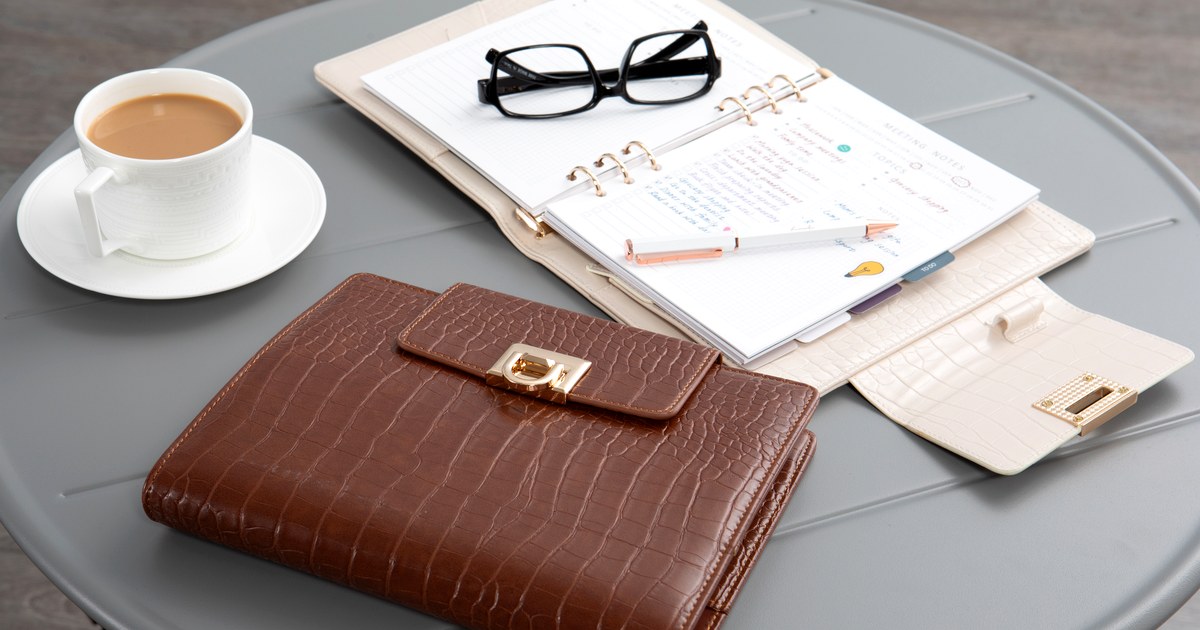
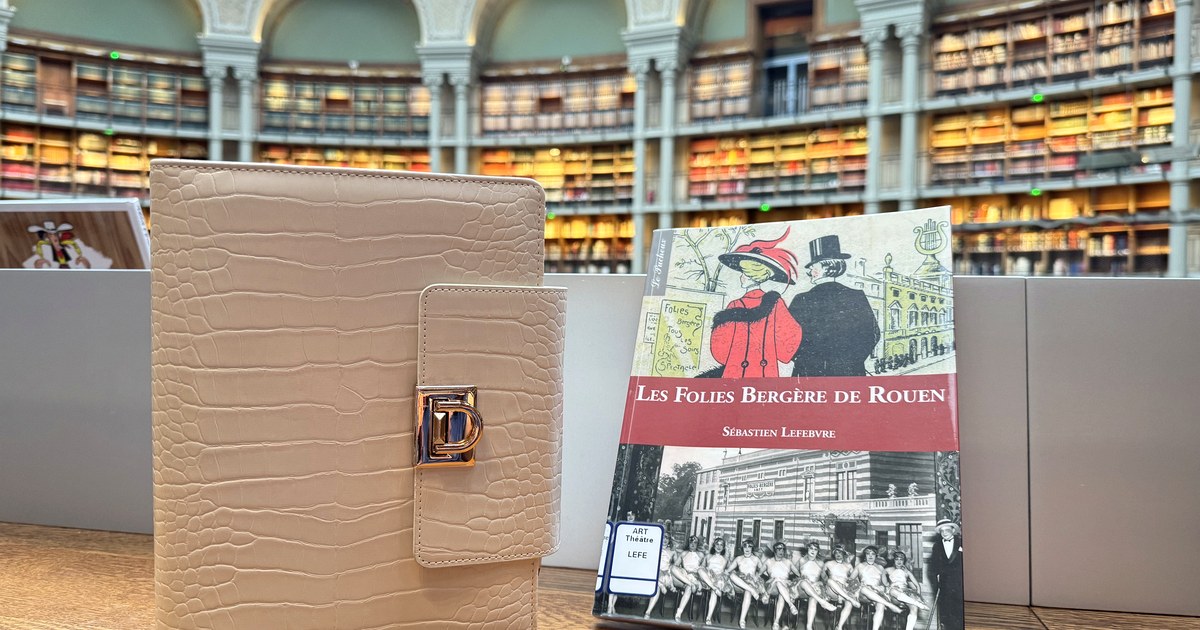
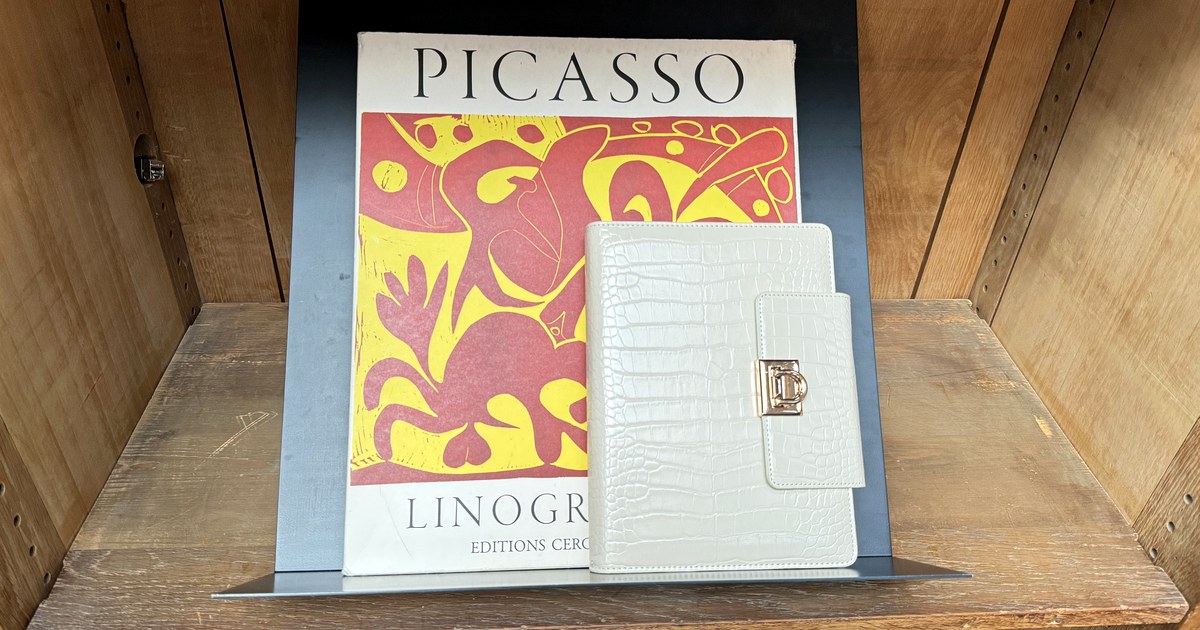
Set Up a New Refillable Planner

- Set up a new refillable planner by deciding its main job first.
- Start with a few sections — you can always add more later.
- Put your calendar or weekly view up front where you will see it daily.
- Personalise one page so it feels like yours from day one.
- Keep the first week simple, then adjust.
To set up a new refillable planner, decide its main job, choose a few sections, put your weekly view up front, personalise one page and keep the first week simple. That is it — the rest you will learn by using it.
New to refillable planning? Why Choose a Refillable Planner? explains the idea, and How to Use a Refillable Planner Daily covers the habit once you are set up.
Step 1: Give it a job
Is this planner for work, home, goals, creativity — or all of it? Write the answer on the first page. It helps you say no to sections you do not need.
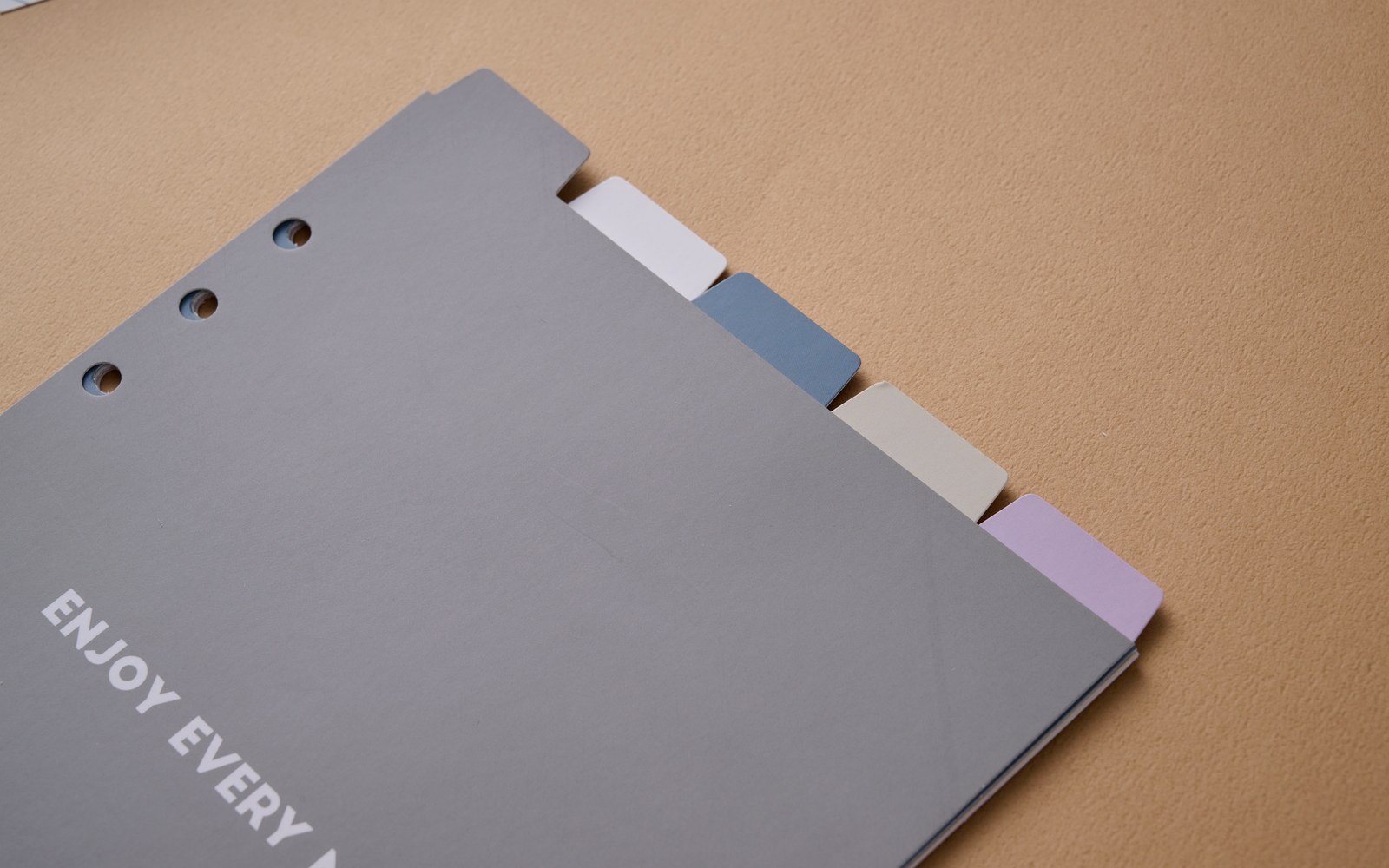
Step 2: Choose a few sections
Pick three to five: for example, weekly plan, work, home, goals and notes. Use dividers or simple labels. Empty sections feel heavy, so start small and grow. For organizing life areas, see Organize Work and Life in One Planner.
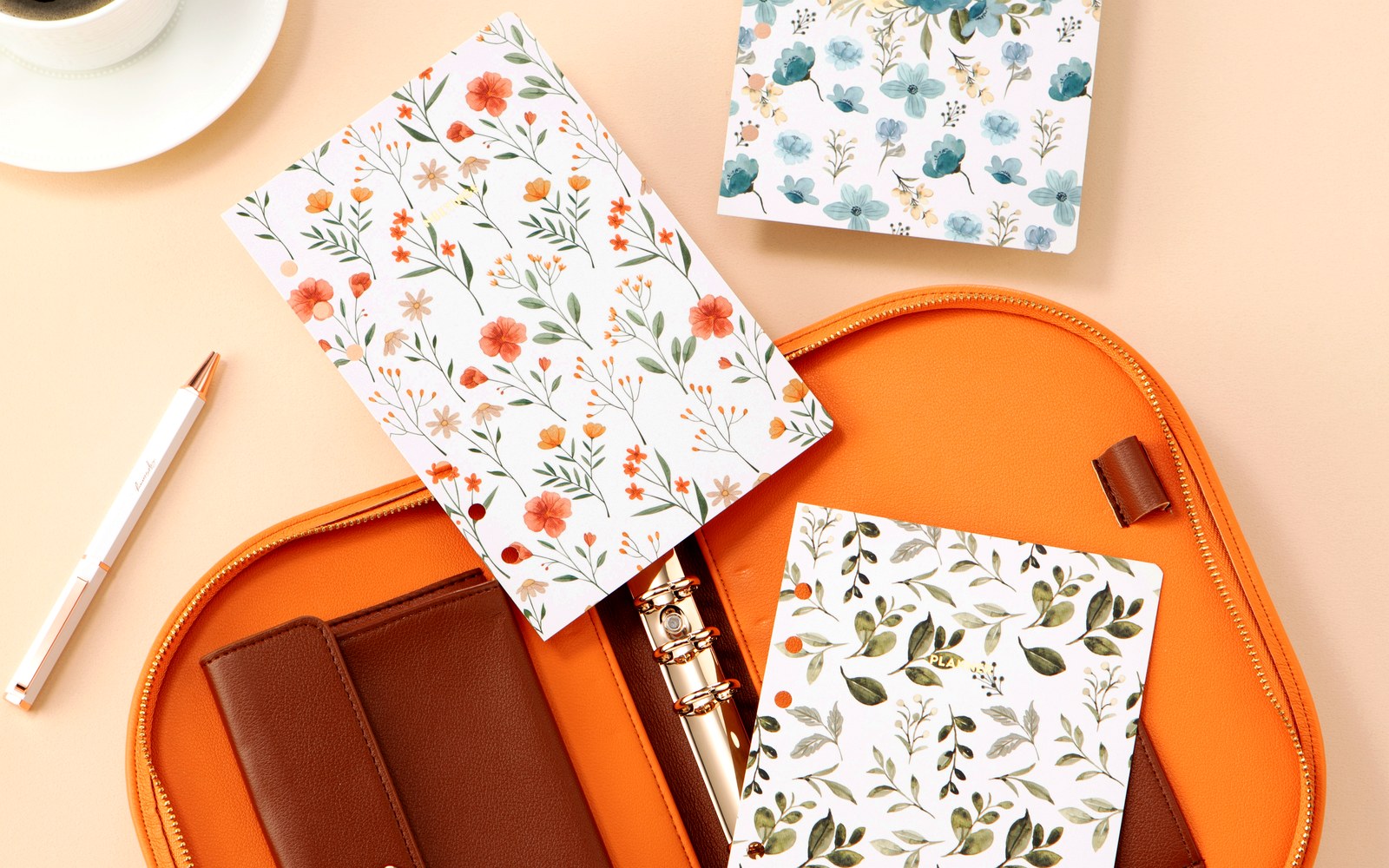
Step 3: Weekly view up front
Put the pages you will open every day at the front. Reference material, lists and archives belong behind them. When the view you need is one flip away, you use it.
Step 4: Make one page yours
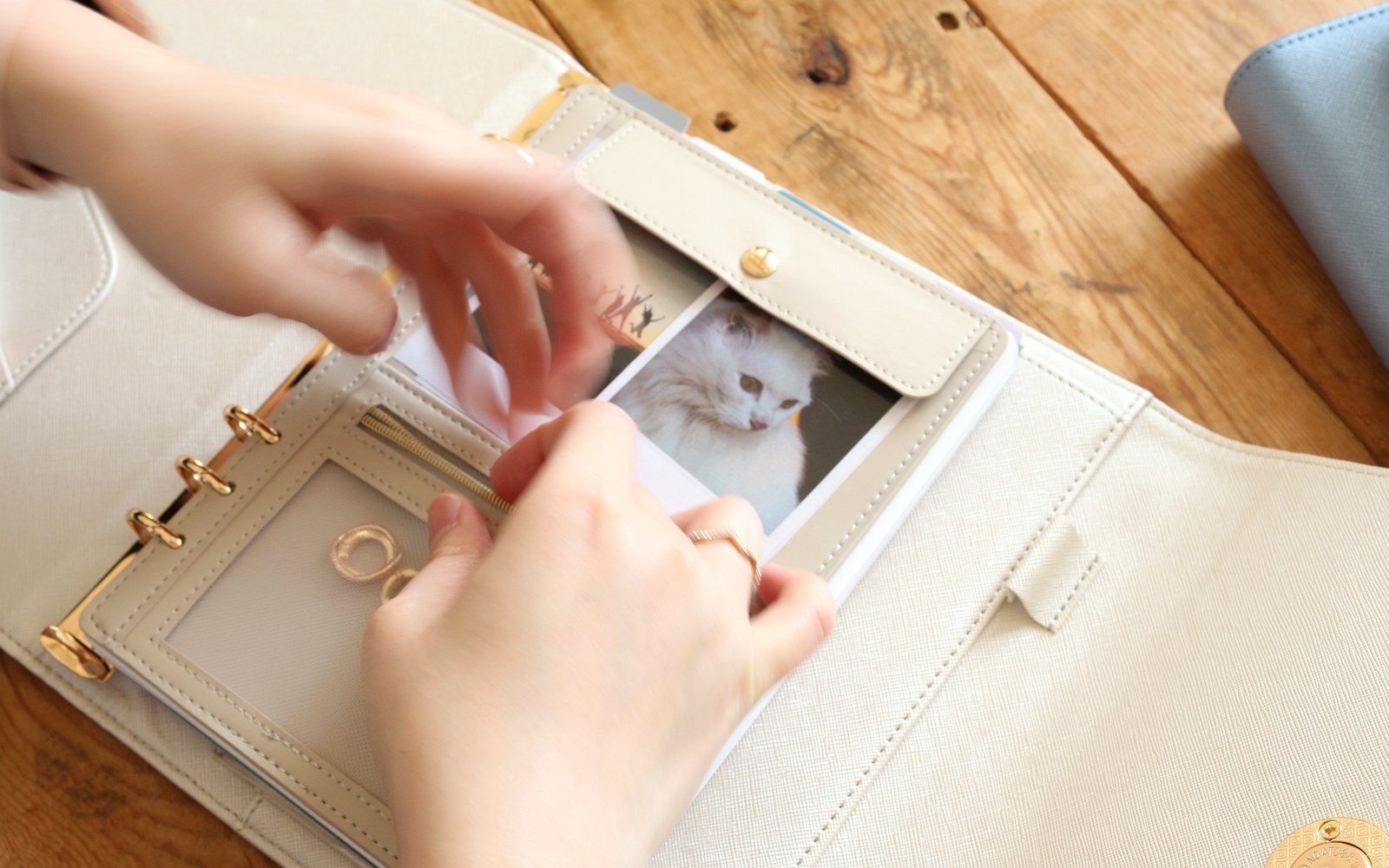
Write a note to your future self, add a favourite photo to a pocket, or copy a quote you love. A planner that feels personal is one you want to open.
Step 5: Keep week one simple
Plan only the next seven days. Notice what you reach for and what you skip, then adjust. Build a Planning Habit in 7 Days is a gentle companion for this first week. When you eventually run out of pages, When to Refill Your Planner Pages helps you refresh.
Where to find EGOSUNNY
Confirm the latest details on the official product page for your market before you buy — sizes, materials, page counts, accessories and colours can differ by version and region. Availability varies by marketplace and season; use the listing for your region for current options.
A clear job, a few sections — and a planner that grows with you.